Look How Far
Free visual schedule maker with a first–then mode
A visual schedule maker for home: pick 3 to 10 picture cards, type your child’s own words under them, put them in order and print the sheet on A4 or US Letter. When one step is hard, switch to first–then mode for two big cards. No sign-up, nothing is saved, and it works on a phone.
On the sheet
Pick the cards
Tap a card to add it to the end. You can change its words after.
Home and daily routine
Going out
Play and calm
Words and needs
Small steps
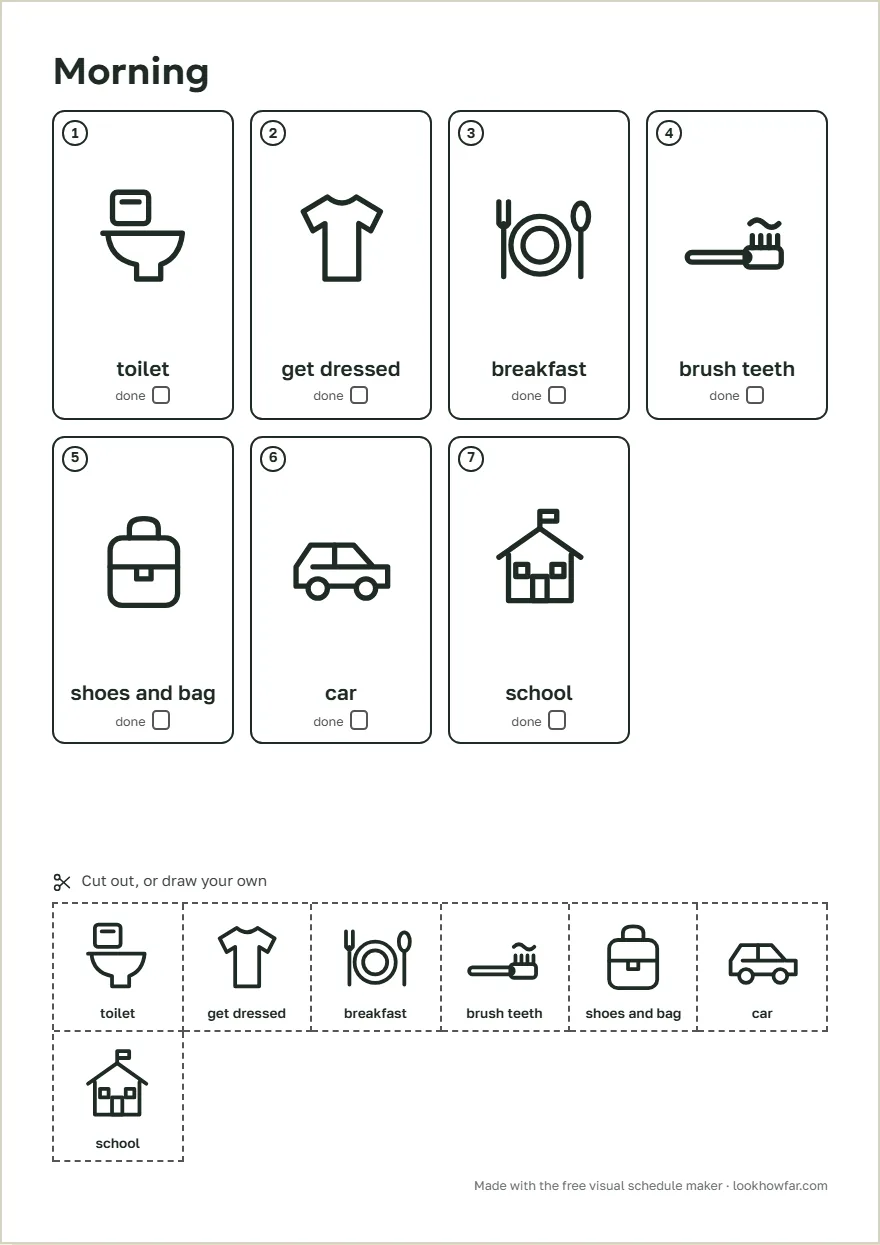
Morning
- 1toiletdone
- 2get dresseddone
- 3breakfastdone
- 4brush teethdone
- 5shoes and bagdone
- 6cardone
- 7schooldone
Cut out, or draw your own
- toilet
- get dressed
- breakfast
- brush teeth
- shoes and bag
- car
- school
Made with the free visual schedule maker · lookhowfar.com
The maker needs JavaScript. The example above prints as it is, and the blank sheet is ready as a PDF: printable visual schedule · PDF, A4
On a phone: Print → Save as PDF.
Does the schedule help? Note how the day went in Look How Far — in a month you can see what works. How to install
Everything stays in this tab: no sign-up, nothing is saved or sent. Close the tab and the schedule is gone — print it first.
How to make a visual schedule in 3 steps
- Pick the cards. Tap 3–10 pictures in the order your child will do them — or start from the morning or evening example and change it. Use the arrows to move a card up or down; on a computer you can also drag it.
- Write your words. Under each picture, type the word your child already knows: “potty” instead of “toilet”, “Grandma’s” instead of “car”. Short words, the same every day.
- Print and put it up. Choose A4 or Letter and print — on a phone, Print → Save as PDF. Cut out the strip at the bottom if your child likes to take a step off when it is done.
Example: a morning and an evening
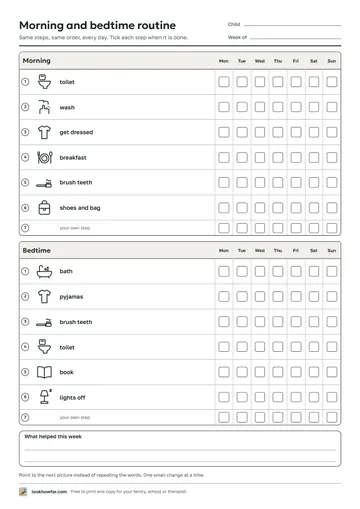
In a fictional family, Sam is 6 and has to leave for school at 8:15. The morning schedule has seven cards: toilet, get dressed, breakfast, brush teeth, shoes and bag, car, school. The evening one has six: bath, pyjamas (the “get dressed” card with a new word), brush teeth, story, lights off, sleep.
The parents use the maker as a simple visual schedule planner for the week: the morning sheet goes on the fridge at Sam’s eye level, the evening one on the bedroom door. When a step is done, Sam moves its small card into an envelope. The sheet shows what is left, so “what now?” comes up less often, and the parents repeat the same short words instead of long explanations.
How many cards, and when to change the schedule
- Start smaller than you think: 3–5 cards for a young child or a new routine, up to 10 when the routine is already familiar. A long day is easier to follow as two sheets — morning and evening.
- Keep the order the same for a week or two before changing anything. When the plan changes — a doctor’s visit, no school on a holiday — change the card first, show it, then say it.
- Make a new sheet when the old one stops being looked at, or when your child starts telling you the steps without it. Often that means one or two cards can go.
- One picture per step, and the same picture for the same step on every sheet. That matters more than colour or design.
First–then board for hard transitions
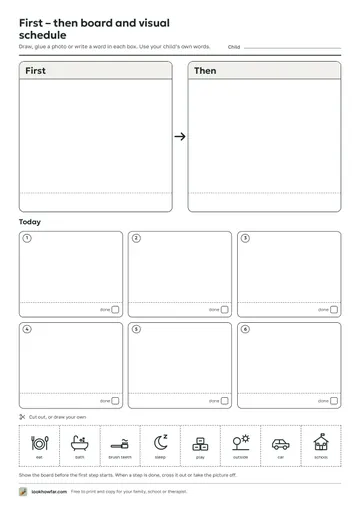
First–then mode makes a sheet with two big cards: what has to happen first and what comes right after. It helps when one step is the hard one — leaving the park, turning off the tablet, brushing teeth. Put the hard step under “First” and something your child looks forward to under “Then”, and show the board before the hard step starts, not in the middle of a protest.
Keep “Then” real and soon: if it is on the board, it happens. Many families start with a first–then board and move to a longer visual schedule later; the maker does both with the same pictures, so nothing new has to be learned.
Visual schedule maker or a printable template?
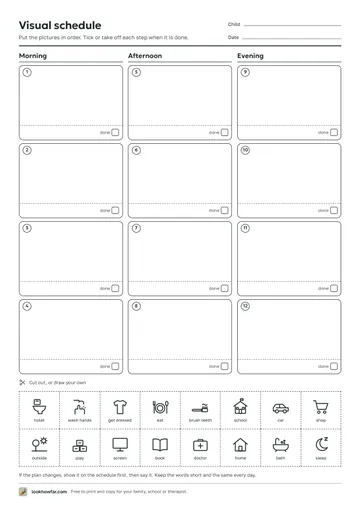
If you would rather fill one in by hand, the printable visual schedule template has three parts of the day and 16 cards to cut out — the same pictures as here. For a ready two-box board there is the printable first–then board. The maker is for the days you want your own order and your own words typed clearly.
What happens to what you type
Nothing leaves your device: no account, no saving, no copy on our server. We only count, anonymously and without cookies, that the page was opened and a sheet was printed — like a PDF download. Close the tab and the schedule is gone, so print it first.
Questions about the visual schedule maker
Is the visual schedule maker free?
Yes. This visual schedule creator has no sign-up, no trial and no watermark. Print as many sheets as you need.
Can I use my own photos?
Not inside the maker — it does not upload anything. Add the “own picture” card: it prints an empty frame where you can glue a photo or draw.
How do I save the schedule?
Print it, or choose Save as PDF in the print window (on Android: Print → Save as PDF). The page does not keep anything after you close the tab.
Whose pictures are these?
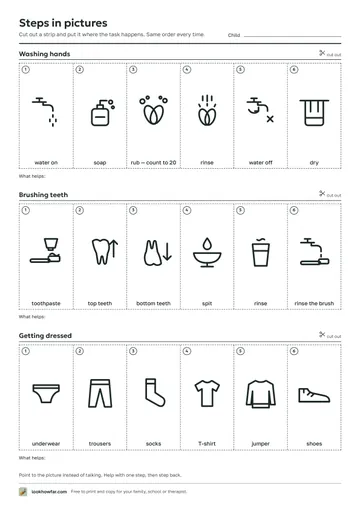
Our own line drawings, made for Look How Far — simple outlines that print well in black and white. They are free to print for your family, class or clinic.
Is there an editable morning routine chart?
Yes: press “Morning example”, change the words, remove the cards you do not need and print. The same works for a bedtime routine.
Does a visual schedule help an autistic child?
Many autistic children find the day easier when they can see what comes next; picture schedules and first–then boards are a common support at home and school. It is a tool for the day, not a treatment — if something worries you, talk to your child’s doctor or teacher.
Where this comes from
This page follows these sources (in English):
The maker only lays out your pictures and words. It does not assess your child, does not diagnose and does not replace your child’s doctor or specialist.